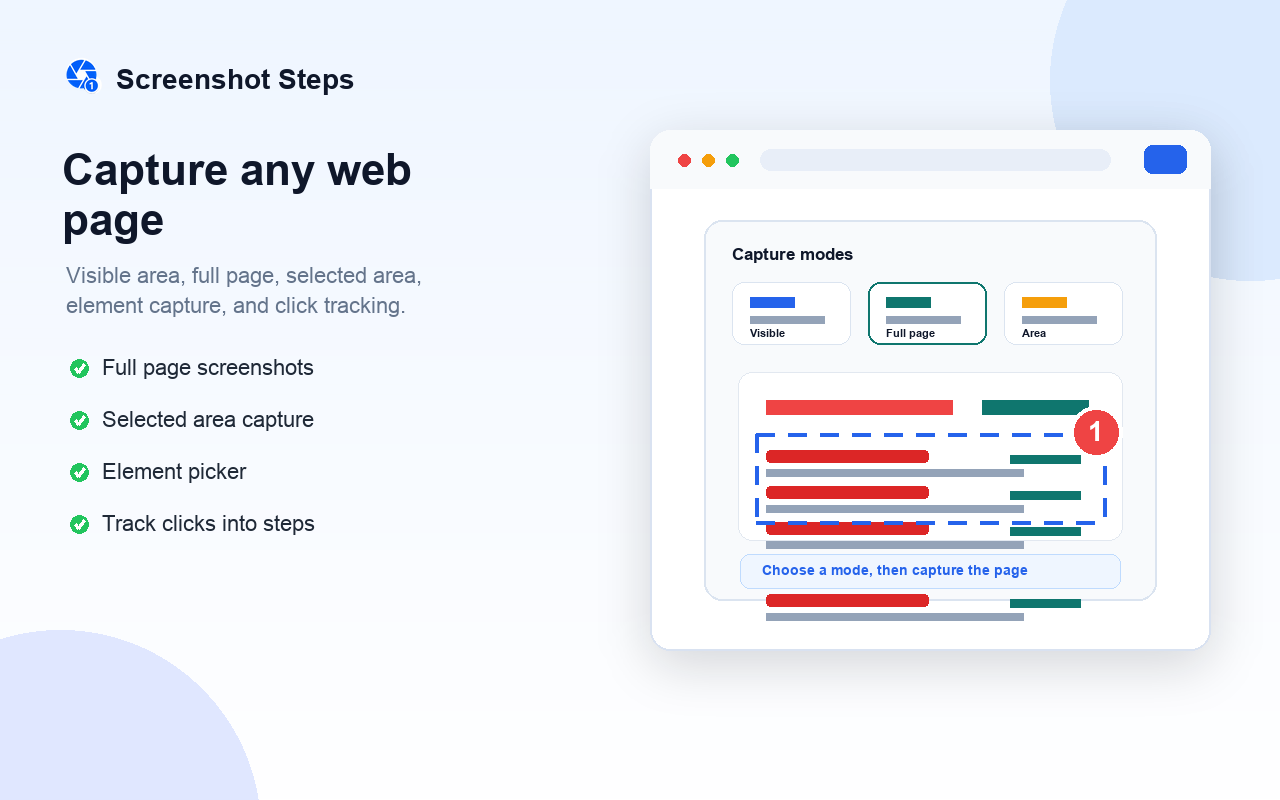
Capture any area
Visible area, full page, selected region, or individual page elements — pick the mode that fits your workflow.
Capture full pages, selected areas, elements, and click workflows. Annotate screenshots, blur private details, and export step-by-step guides.
Everything you need to document, train, and share — without leaving your browser.
Visible area, full page, selected region, or individual page elements — pick the mode that fits your workflow.
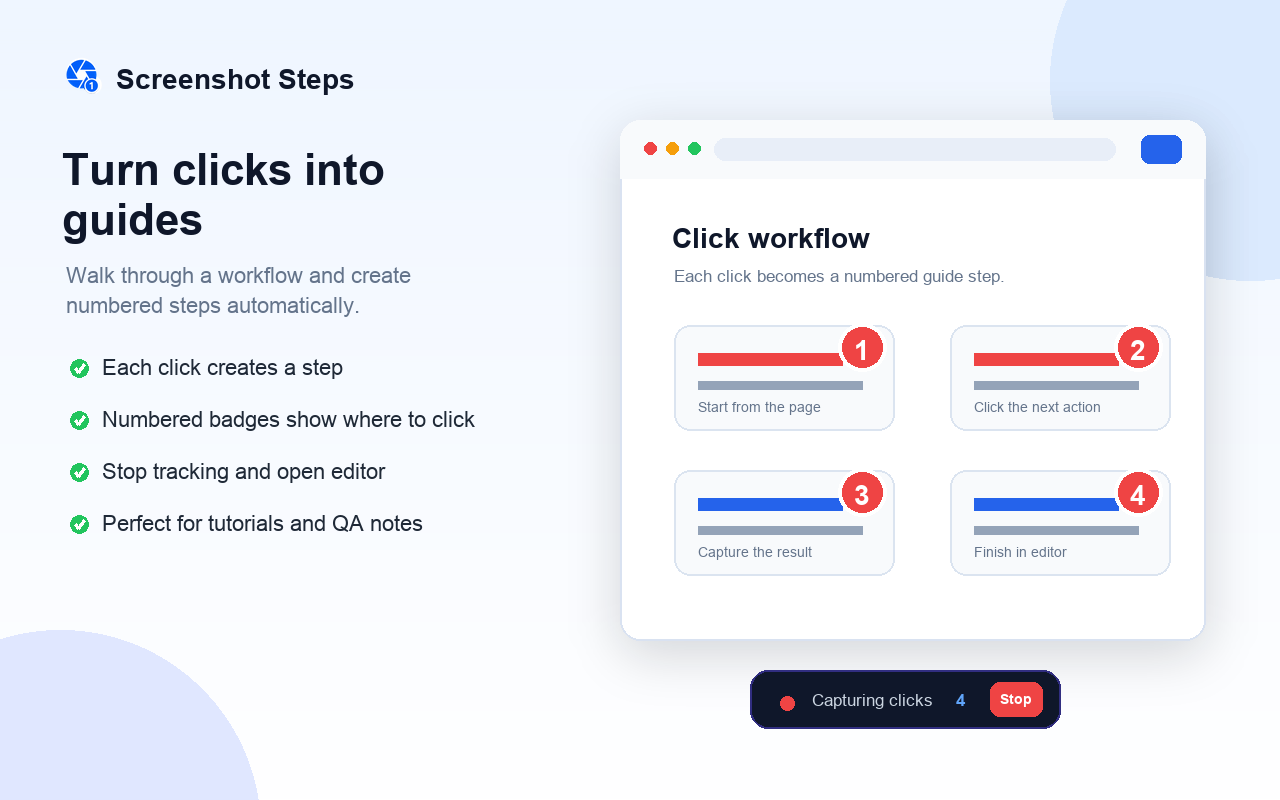
Record a workflow as you click through a page. Each interaction becomes a numbered, annotated guide step.
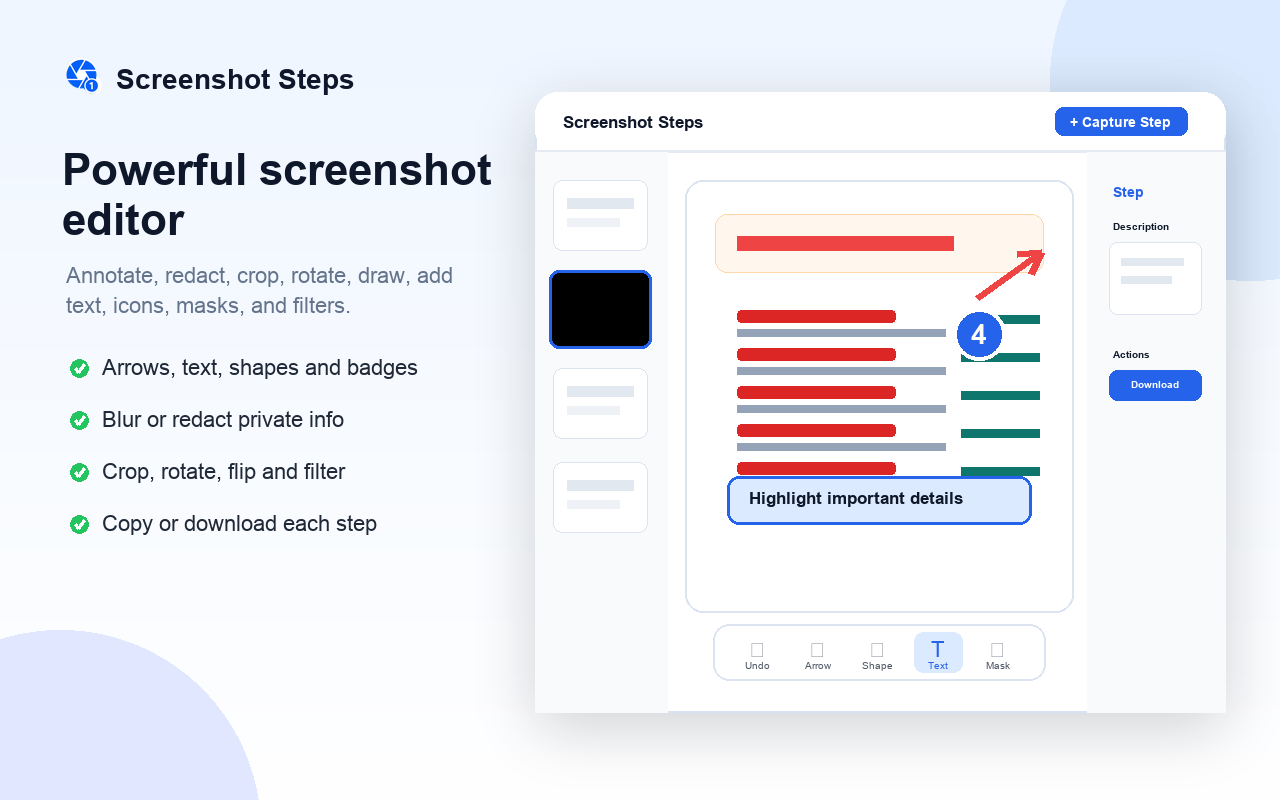
Arrows, text callouts, shapes, step badges, highlights, blur/redact, mask, filters, and freehand drawing.
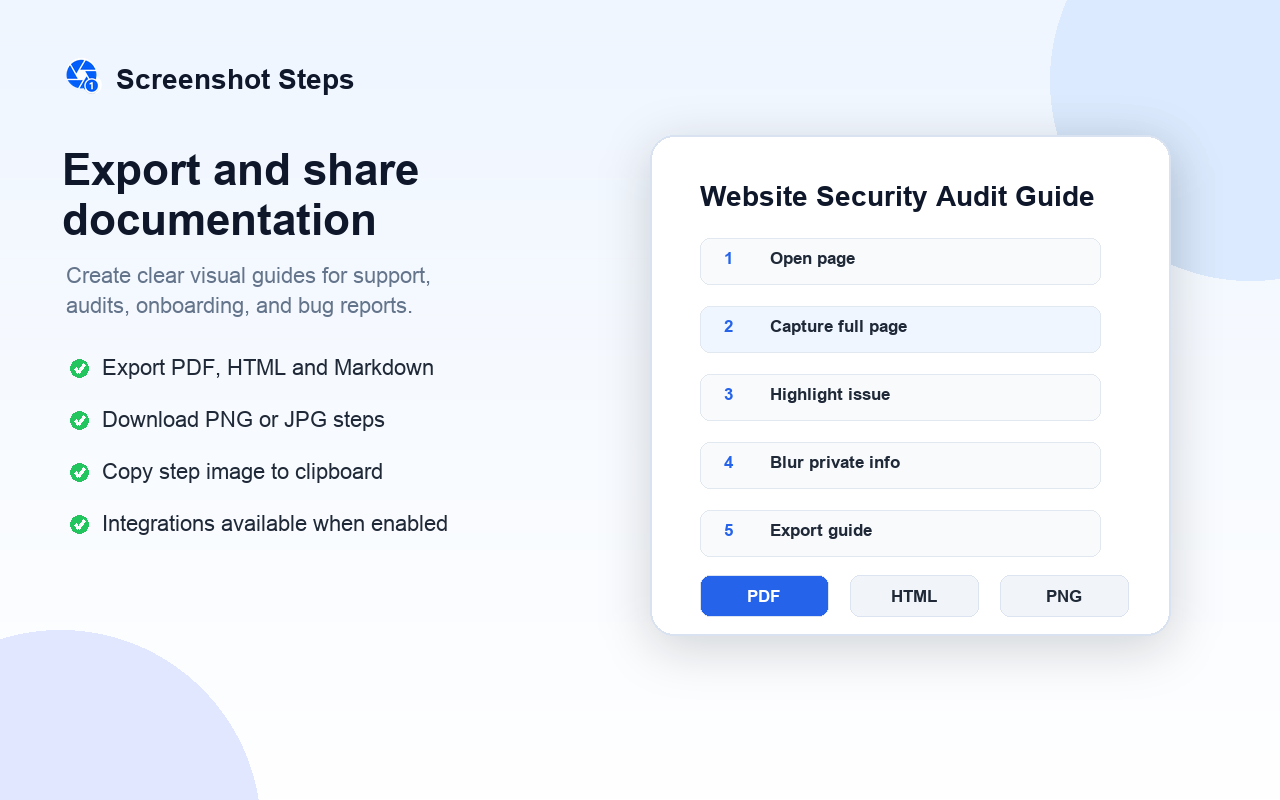
Save annotated steps as PNG or JPEG, copy to clipboard, or download the original unannotated screenshot.
Generate PDF, HTML, Markdown, and JSON exports for support docs, QA reports, audits, and tutorials.
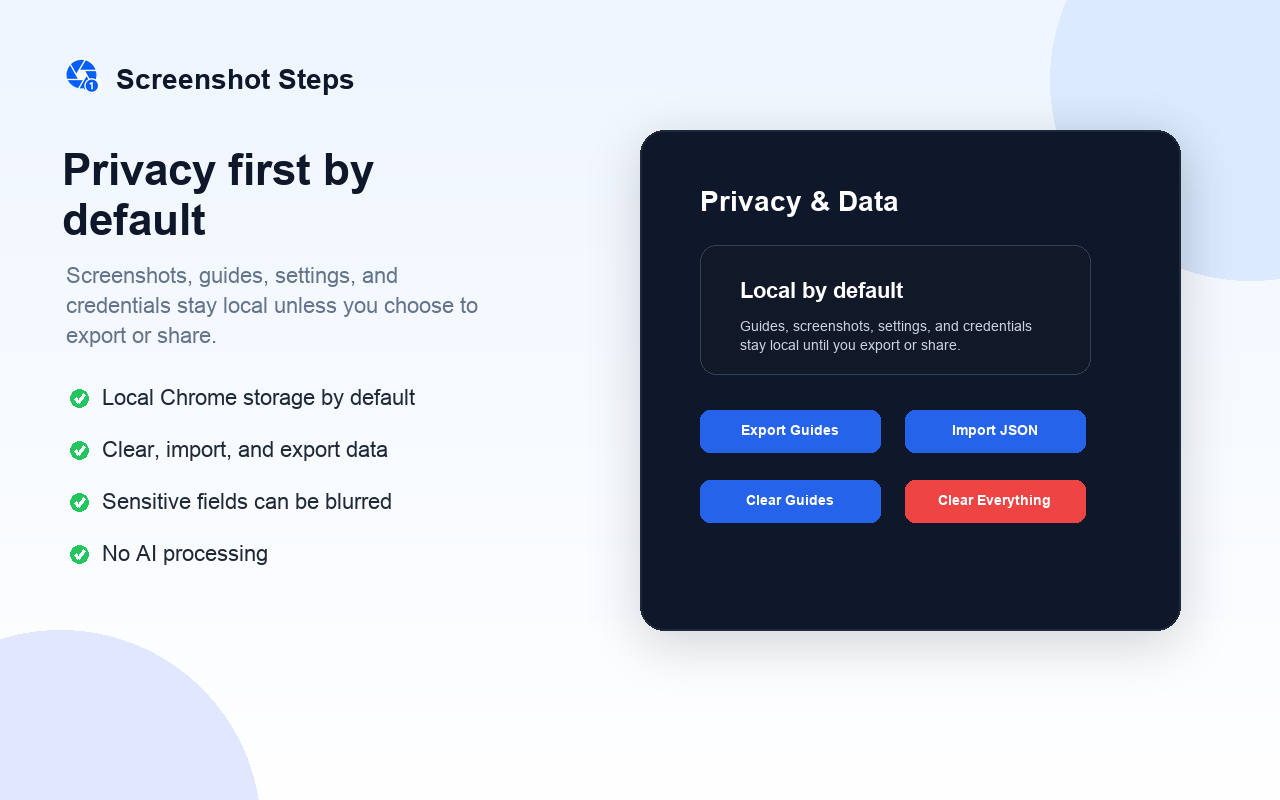
Your screenshots and guides stay in Chrome storage. Nothing leaves your device unless you export or share.
A complete annotation toolkit lives right inside your browser. No external app needed.
Screenshot Steps does not send your data to any server by default. No AI processing, no tracking, no selling. Optional integrations only run when you explicitly enable and use them.
Free to install. No account required. Works entirely in your browser.